STONE SIZES & SETTINGS
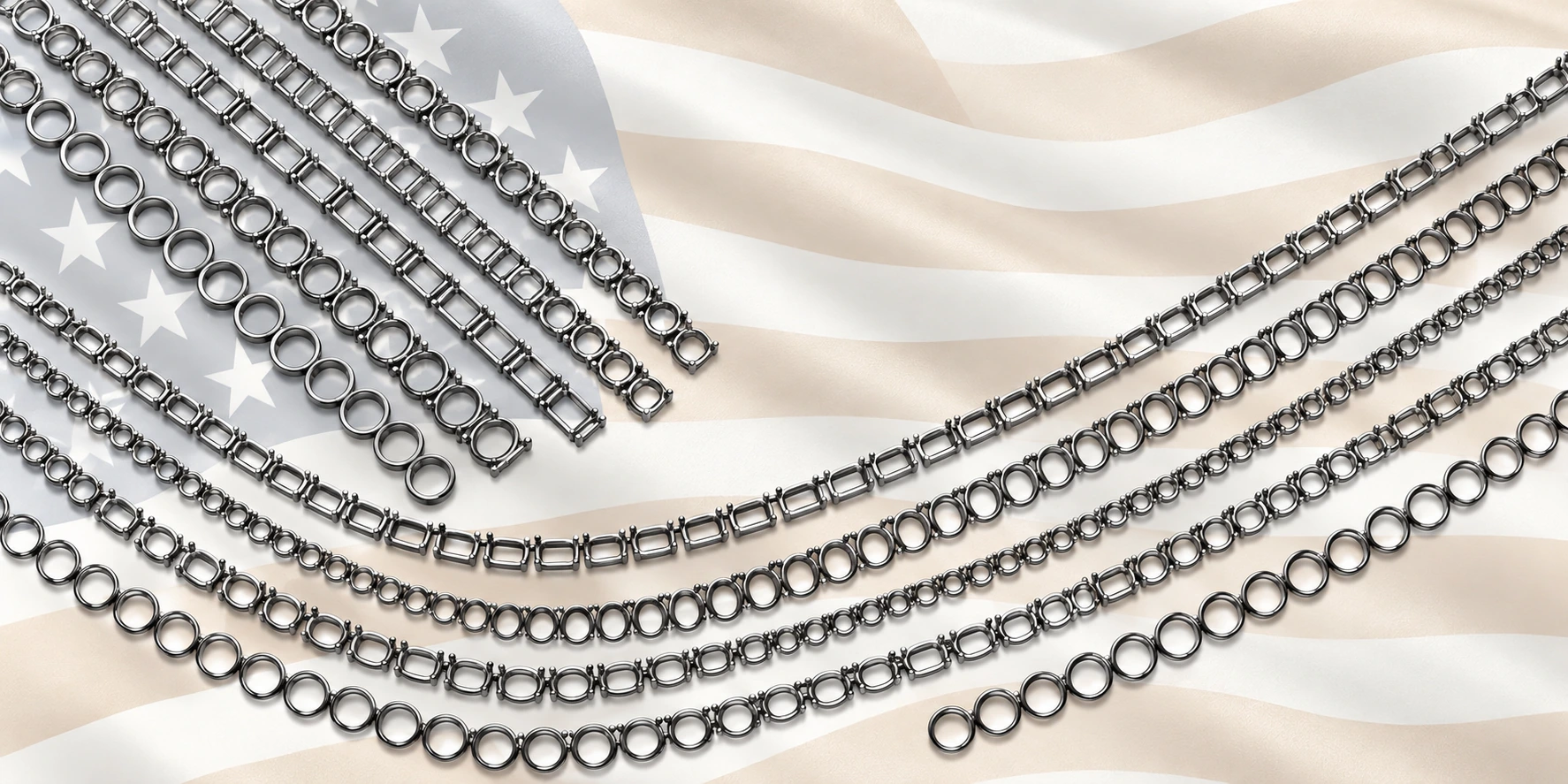
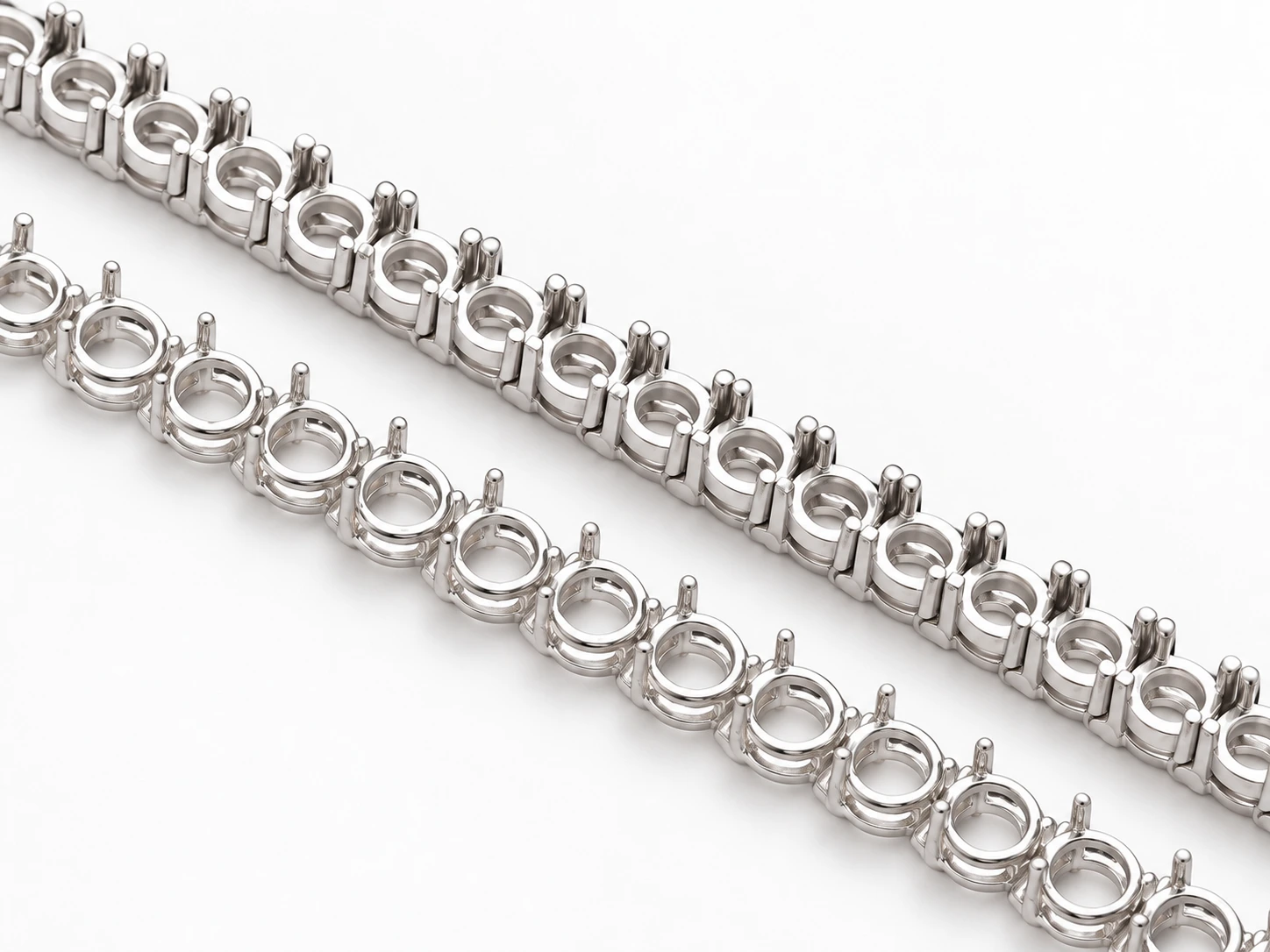
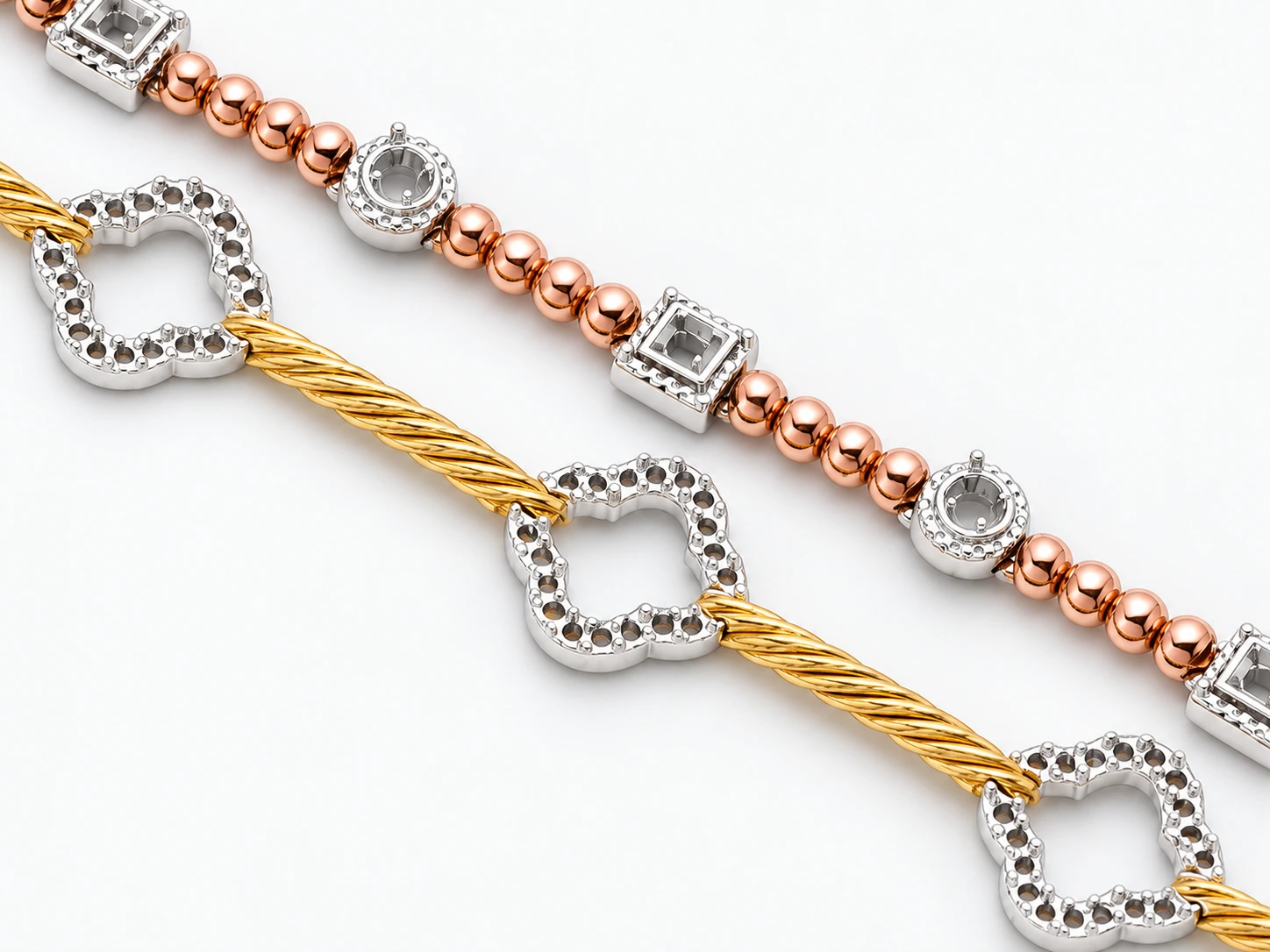
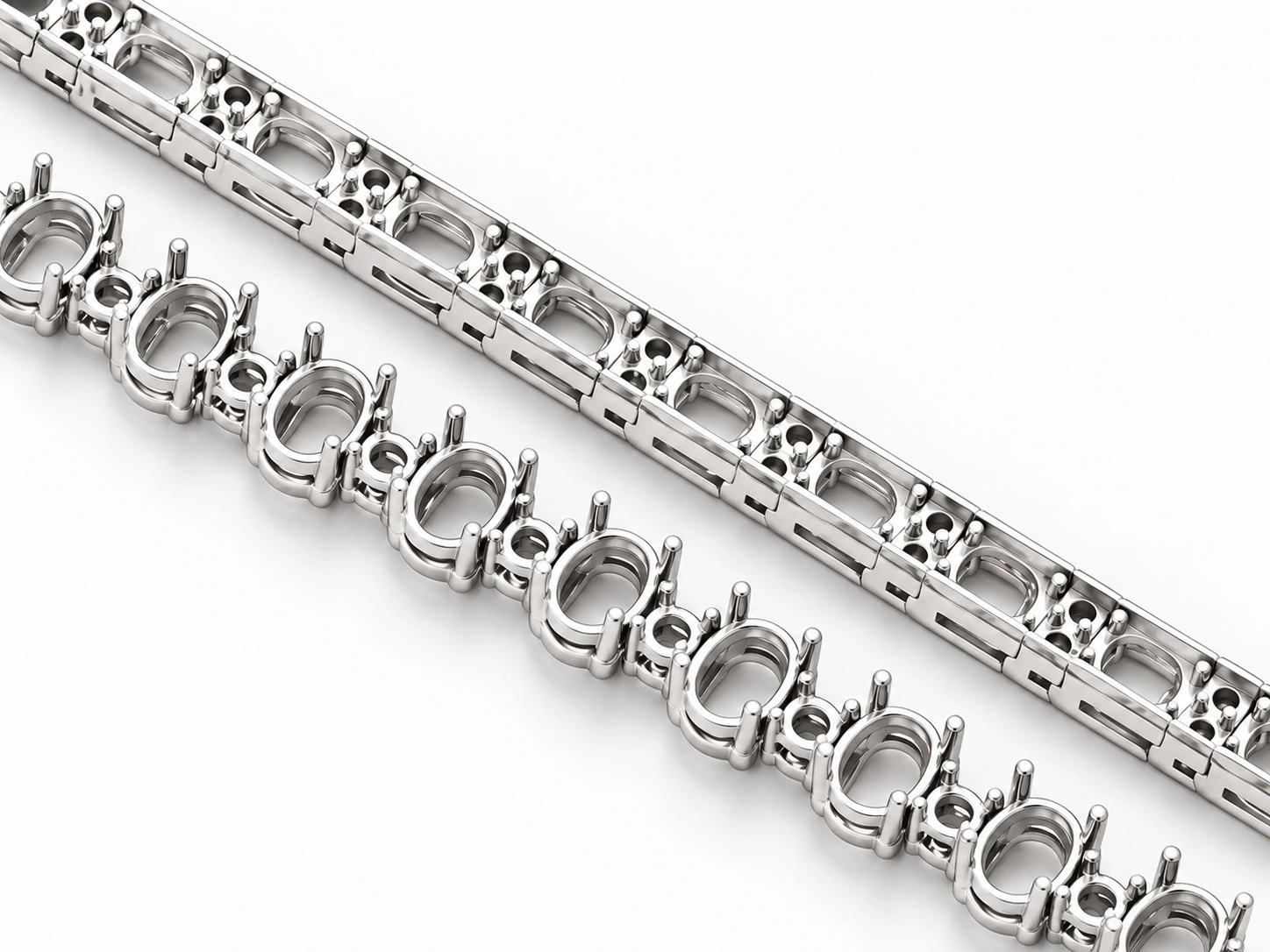
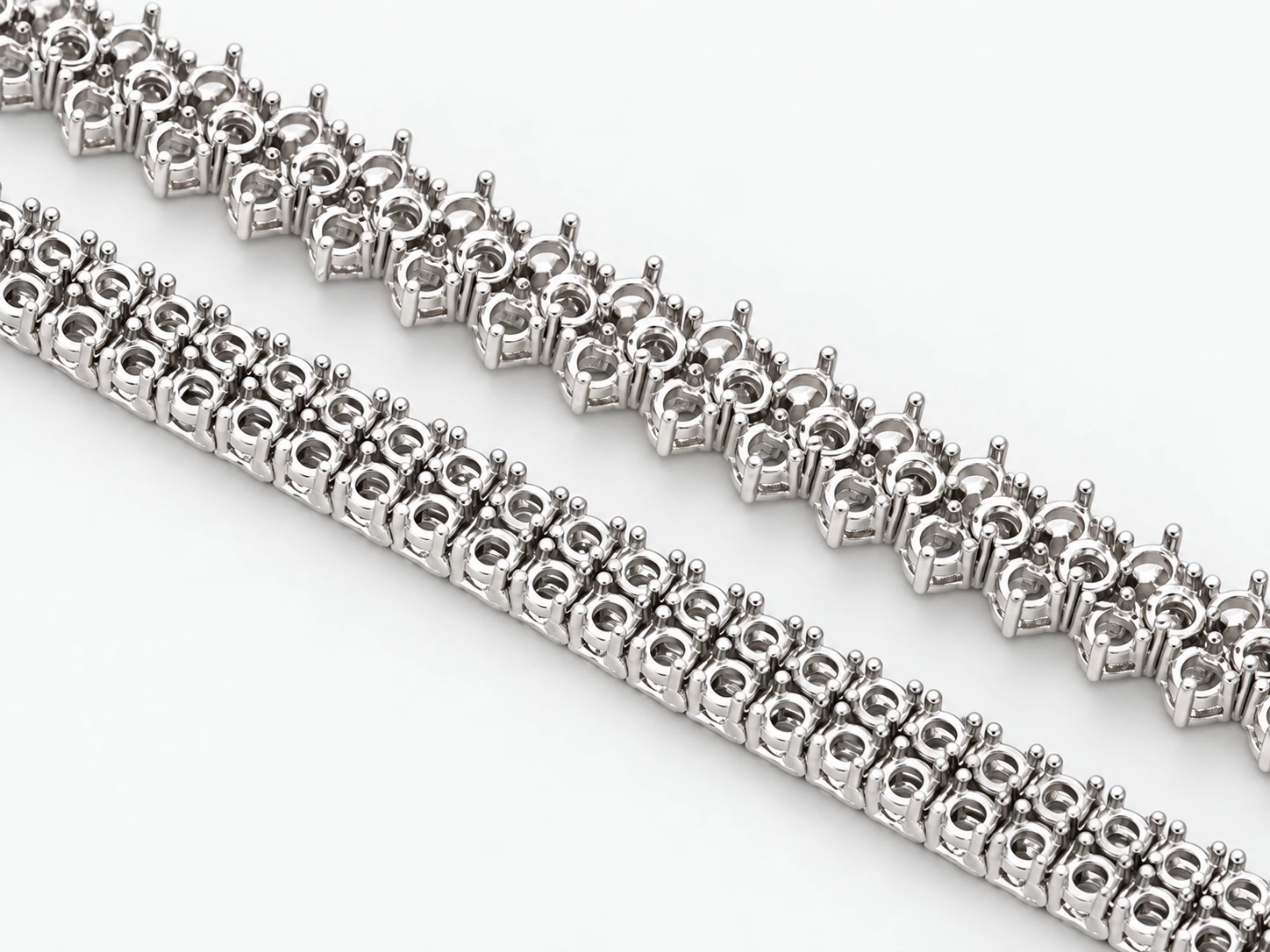
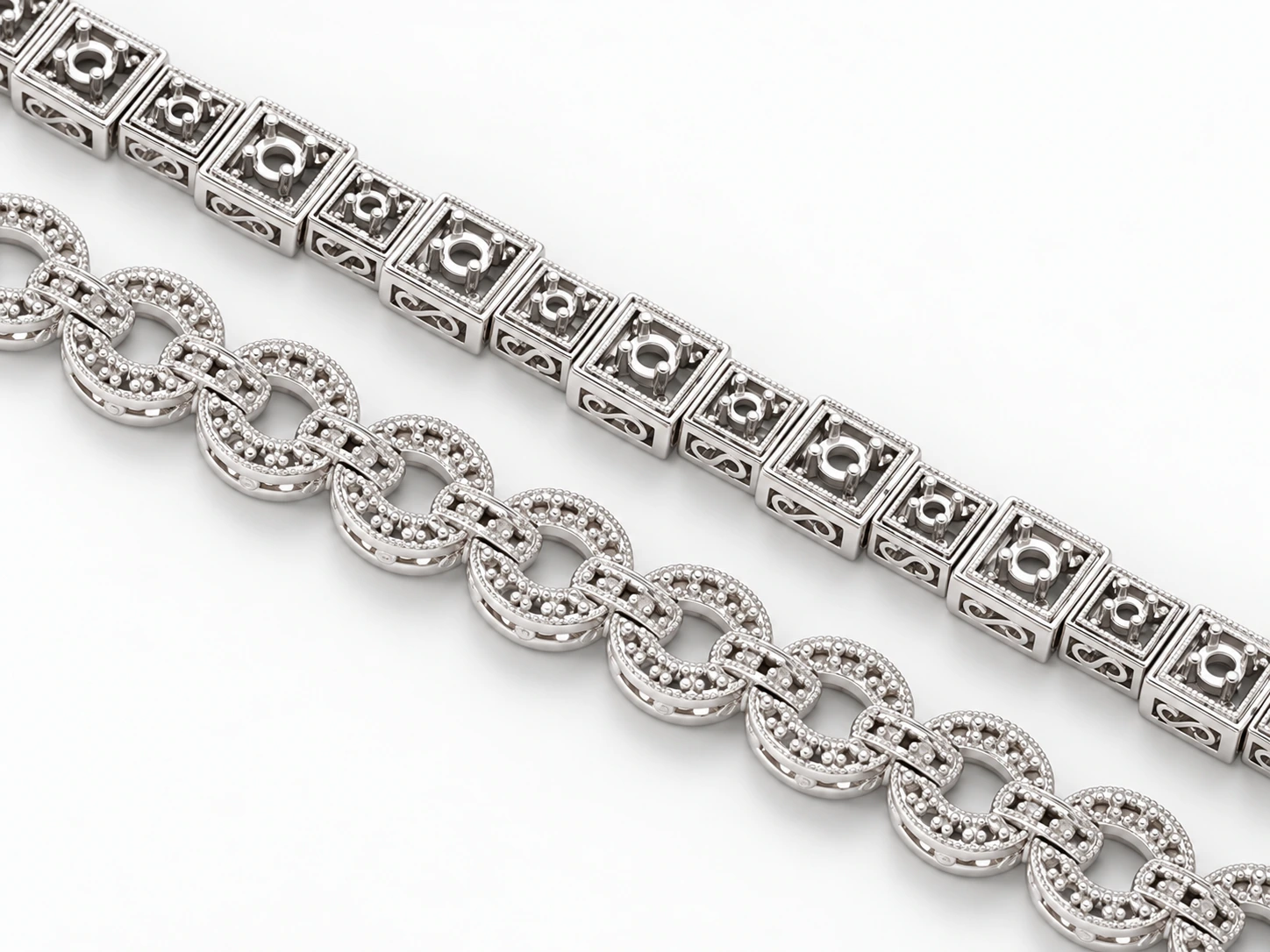
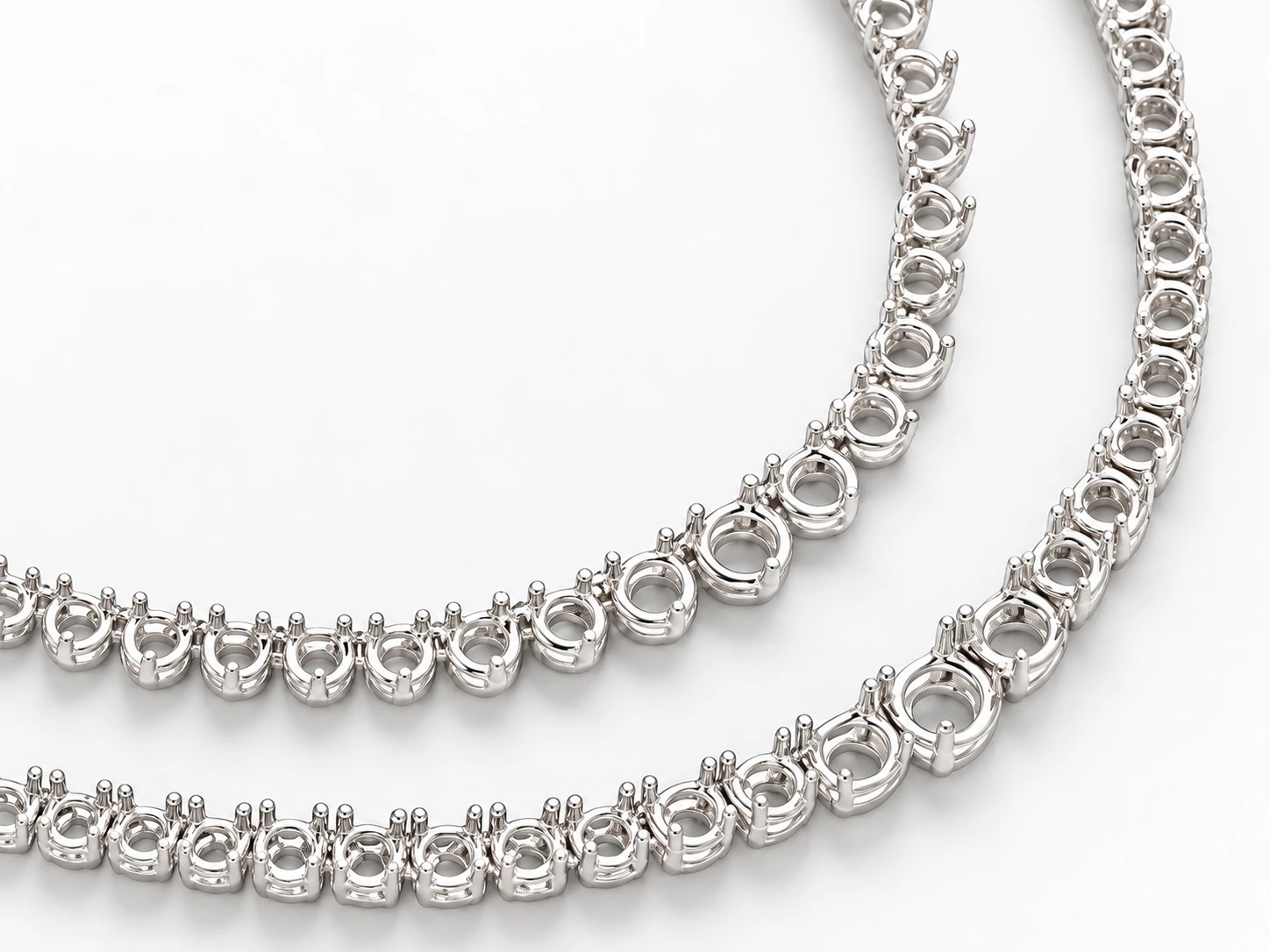
Choose a casting for your stones.
Start with the shape, measurements and quantity of the stones you have. These details help you compare bracelet and necklace styles in the Mirando catalog.
Measure each stone size
For round stones, note the diameter in millimeters. For emerald-cut, oval, pear and other fancy shapes, note the length and width. If your stones vary in size, list each size separately with its quantity.
Read the stone specification
A listing such as “63 × Emerald cut (6.5 × 4) mm” describes 63 stones with listed dimensions of 6.5 by 4 millimeters. A listing in PTS gives a stone weight: 100 points equal 1 carat. A weight in points is not a millimeter measurement.
Compare bracelet and necklace settings
Use FIND A SETTING to compare your measurements with the catalog’s listed sizes. For round diamonds, the tool can estimate diameter from points or carats. These estimates vary with cut; measure in millimeters when possible. Search each size separately if the design needs more than one stone group.
Check the metal weight
Metal weights are listed for the alloys recorded for each style. DWT means pennyweight; the accompanying gram value is a conversion rounded to two decimal places. These figures describe metal weight, not gemstone weight.
Confirm the fit with Mirando
A size match is a starting point for an enquiry. Cut, depth and the final fit still need confirmation. Send the style number, stone shapes, dimensions, quantities, preferred metal and intended bracelet or necklace length. Mirando can help confirm suitability and availability.
Enquire with your stone details